
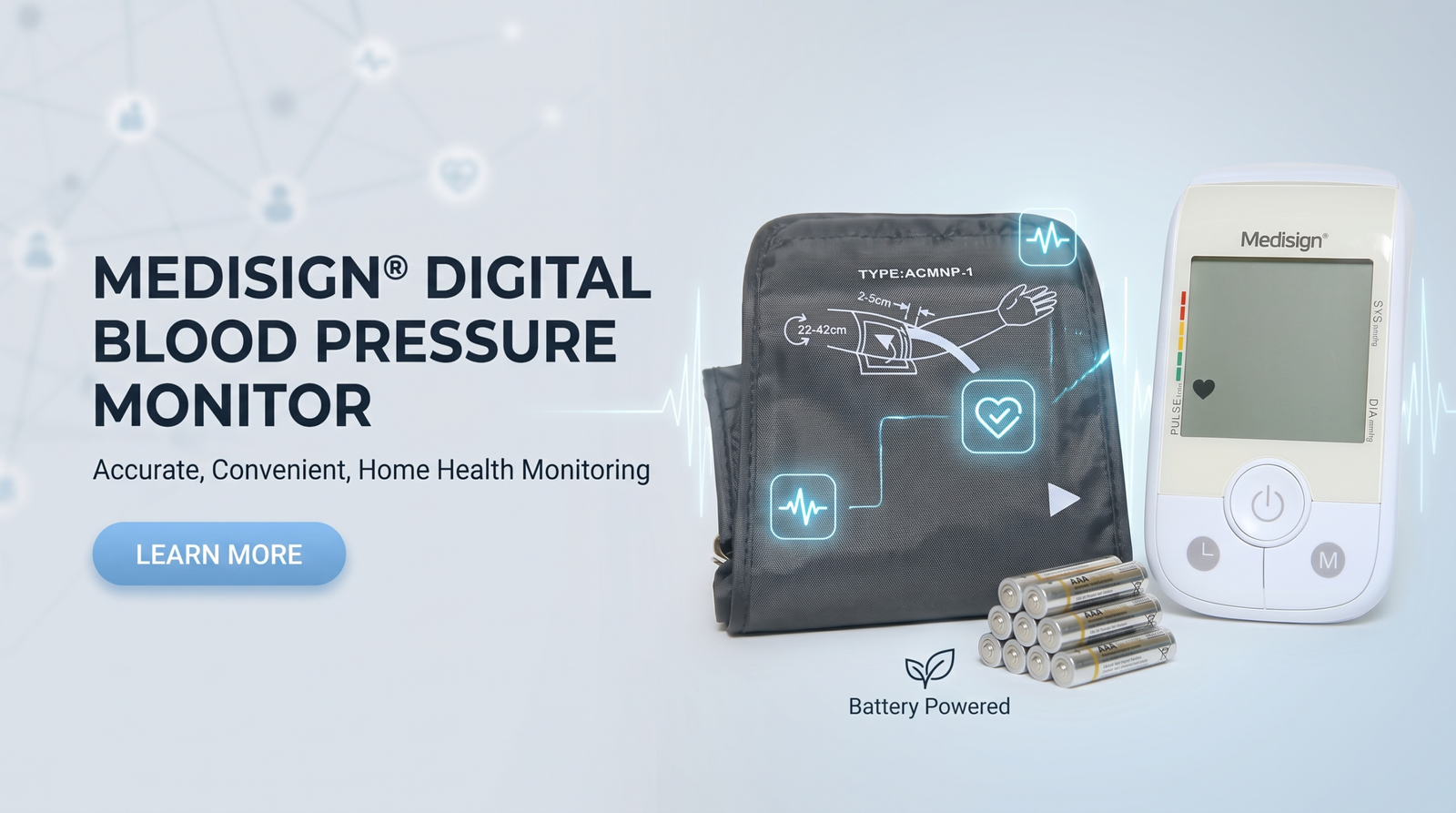
If your doctor has asked you to keep track of your blood pressure, or you just want to know your numbers, a home monitor saves a lot of running around. You measure when it suits you, write the reading down, and take the notebook along to your next appointment. A single reading at a clinic only shows one moment. A week of home readings shows a pattern.
The hard part is choosing which monitor to buy. There are dozens of models, and most of them look the same on the box. This guide covers what actually matters. 
What the Numbers Mean
A monitor gives you two numbers. The top one is systolic, the pressure in your arteries when your heart pumps. The bottom one is diastolic, the pressure while your heart rests between beats. Most devices also show your pulse.
With a digital monitor you don’t need a stethoscope or any special skill. You wrap the cuff, press start, and read the screen.
One thing to keep in mind: a home monitor tracks your blood pressure, but it can’t diagnose anything. That is still your doctor’s job.
Upper-Arm, Wrist or Manual?
Upper-arm monitors are what most people should buy. The cuff goes around your arm, inflates on its own, and the result appears on the display. They are easy to use, and there is less room for error.
Wrist monitors are small and easy to slip into a bag. The problem is positioning. If your wrist isn’t at the right height, the reading can be off, so read the manufacturer’s instructions carefully before you trust one.
Manual monitors need a cuff, a hand pump and a stethoscope. They are mostly used by doctors and nurses, and using one properly takes practice. For home use, a digital monitor is simpler.
What to Check Before Buying
Start with the cuff size. This matters more than any feature on the box. A cuff that is too small or too big can give a wrong reading. Most brands print a recommended arm circumference range on the packaging or product page, so measure your upper arm with a tape and compare before you order.

Next, look at the display. Large, clear numbers help a lot, especially if the monitor is for a parent or grandparent.
Memory is useful too. Some monitors store past readings, which makes it easier to show your doctor how your numbers have moved. If two or three people in the house will use the same device, check that it has separate user profiles.
If you travel often, look at the weight and whether it runs on batteries or needs a plug. And whatever you buy, read the manual once. Cuff placement and waiting time between readings differ slightly from model to model.
How to Take a Reading Properly
Even a good monitor gives bad numbers if you use it badly. Before measuring, skip exercise, smoking and caffeine for a while. Sit quietly for about five minutes. Keep your back against the chair, feet flat on the floor, and rest your arm on a table so it sits around heart level. The cuff goes on bare skin, not over a sleeve, placed the way the manual shows.
Once the monitor starts, stay still and don’t talk. Then write the result down with the date and time.
If a reading looks strangely high or low, don’t take it as your normal. Rest for a few minutes and measure again, and follow your doctor’s advice on what to do next.
Mistakes That Give Wrong Readings
Most wrong readings come from small habits. People talk or move while the cuff is inflating. They measure right after climbing stairs or coming in from outside. They cross their legs, or let the arm hang without support. Some put the cuff on loosely or in the wrong spot, and some use a cuff that doesn’t fit their arm at all. All of these change the numbers.
How Often Should You Measure?
That depends on your situation. Some people are told to measure morning and evening for a week or two. Others only check now and then. If your doctor has given you a schedule, follow that.
When to See a Doctor
If your readings keep landing outside the range your doctor gave you, don’t wait for the next routine visit. Book an appointment. And if a very high or very low reading comes with severe symptoms, get urgent medical help right away.
Quick Picks by Situation
For everyday home use, a simple digital monitor with a well-fitting cuff is enough. For older adults, go for a big display and easy buttons. If you plan to track readings over weeks, choose a model with memory. For travel, a compact one works best. If several people share it, make sure it supports multiple users.
Shop Blood Pressure Monitors at Healthwish
Healthwish stocks medical and healthcare products for homes, clinics and professionals. If you’re ready to buy a digital blood pressure monitor, browse our range and compare the features and specifications before you decide.
Shop Digital Blood Pressure Monitors at Healthwish
Frequently Asked Questions
Which type of monitor is best for home use?
For most people, an automatic upper-arm digital monitor. Cuff fit, ease of use and features will decide the exact model.
Are digital monitors easy to use?
Yes. Just read the instructions once so you place the cuff correctly.
Is an upper-arm monitor better than a wrist one?
Both work, but they are used differently, and positioning matters for each. Check the cuff fit, follow the manufacturer’s instructions and ask your doctor if you’re unsure.
What cuff size do I need?
It depends on your arm circumference. Measure your upper arm and compare it with the range the manufacturer lists.
Can I use a monitor without seeing a doctor?
You can record your readings at home, but the monitor doesn’t replace a diagnosis. If your numbers worry you, talk to a healthcare professional.
Should I keep a record?
Yes, especially if your doctor asked you to track your pressure. Note the date, time and reading, in the format your doctor prefers.
Final Thoughts
You don’t need the most expensive monitor. Get a cuff that fits, a screen you can read easily, and features you will actually use. Then measure the right way and let your doctor make sense of the numbers.
Browse Healthwish’s range of digital blood pressure monitors and find one that suits your home.



Write a comment
Your email address will not be published. All fields are required